Login
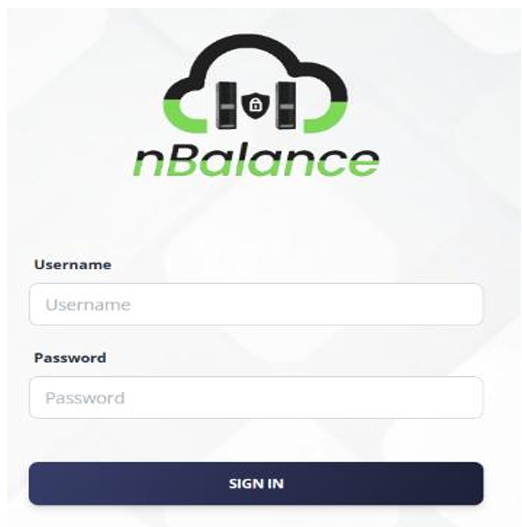
Steps to Log in to the nBalance Web UI
Follow the steps below to access the nBalance dashboard:
-
Open a web browser and navigate to: http://[IP_Address]:8000
-
When the login page is displayed, enter admin as the username.
-
Enter admin as the password.
-
Click Sign In to authenticate.
-
Upon successful authentication, you will be redirected to the nBalance dashboard.